
- Mods
- Modpacks
- Resource Packs
- Worlds
- Mods and Modpacks from other games are supported on Curseforge
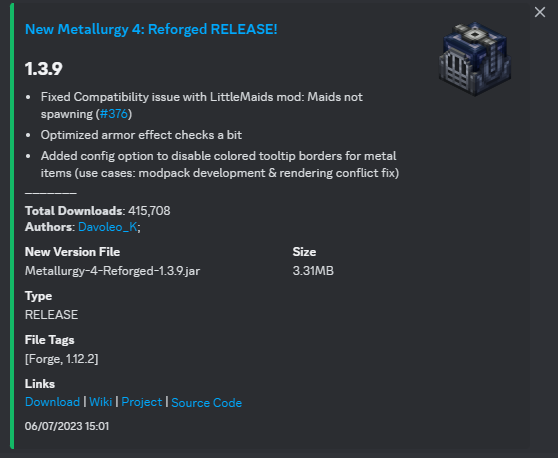
Reporting Bugs / Suggesting Features
If you’re having issues with the bot or you would like to suggest a new feature, please consider opening a new bug report thread on the issue tracker.Inviting the original version of this bot.
**If you use and appreciate this bot, consider supporting me on **Patreon, PayPal, or Ko-Fi: incomes help me to pay the hosting prices of my VPS, so any donated amount is greatly appreciated! The new version has just released, so beware that there might be problems that require the bot to be offline for maintenance or work partially. The original version of this bot runs on my VPS. You can invite this version of the bot via this link.Running your own version of this bot (Self-Hosting)
If you want to self-host this Discord bot, you can do so by following these steps:- Download/Clone the project sources from GitHub (the green button)
- Create a new file named
.envin the root of the bot directory - Fill
.envWith this template, replace the dummy data with your configuration options:
- (Optional) Open
config.jsonIn the main directory, change config values based on your personal preference - Open a terminal in the main directory of the bot and run
npm installto install dependencies - Initialize the database with
npx prisma migrate deploy - Then compile the TypeScript source files with
npm run build - Then you can actually start the bot with
npm run bot - Invite the bot to your server and enjoy :)