
Step 1: Open CurseForge
While opening CurseForge hover over the modpack you wish to update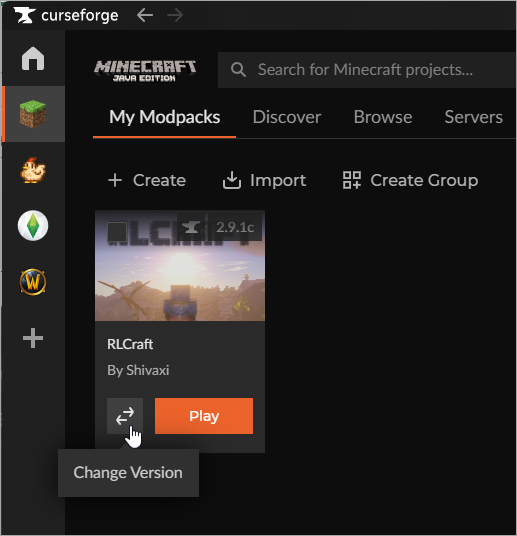
Step 2: Update to latest Version
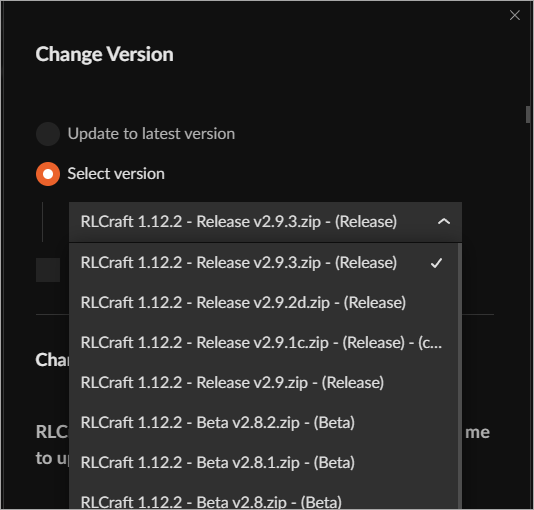
Select either Update to the latest version or choose a specific version from the dropdown list: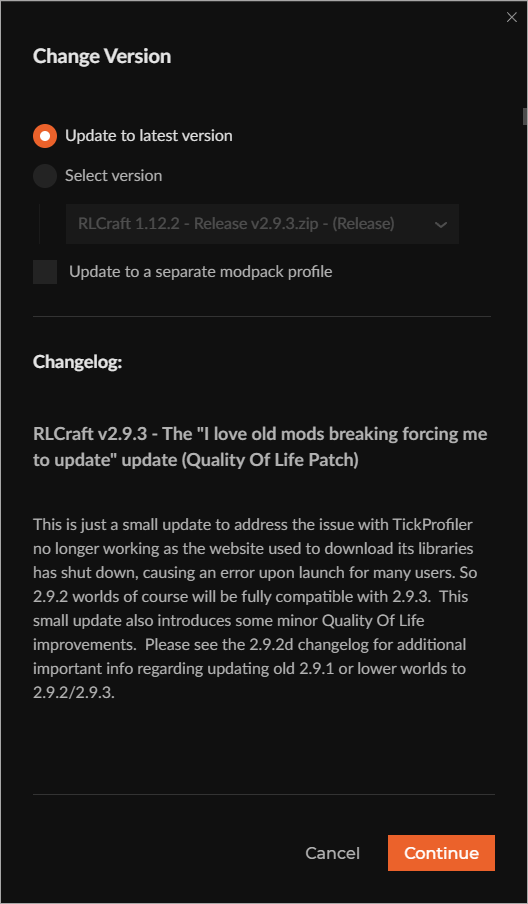
Additional Information
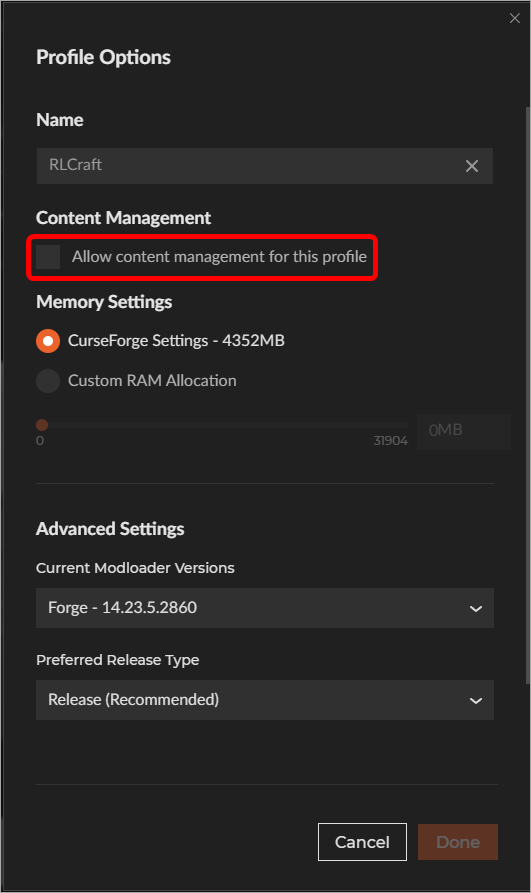
If you enabled Allow content management for this profile in the Profile Options, you’ll need to disable it before the Change Version option becomes available:
- Any custom changes you made to the modpack’s content will be overwritten when changing versions, unless you select Update to new Profile.