
Part 1: Creating an Account
Step 1: Visit the Website
Open your browser and go to our official website. This can be one of the following websitesStep 2: Click “Sign Up” or “Create Account”
Locate the Sign Up, Register, or Create Account button.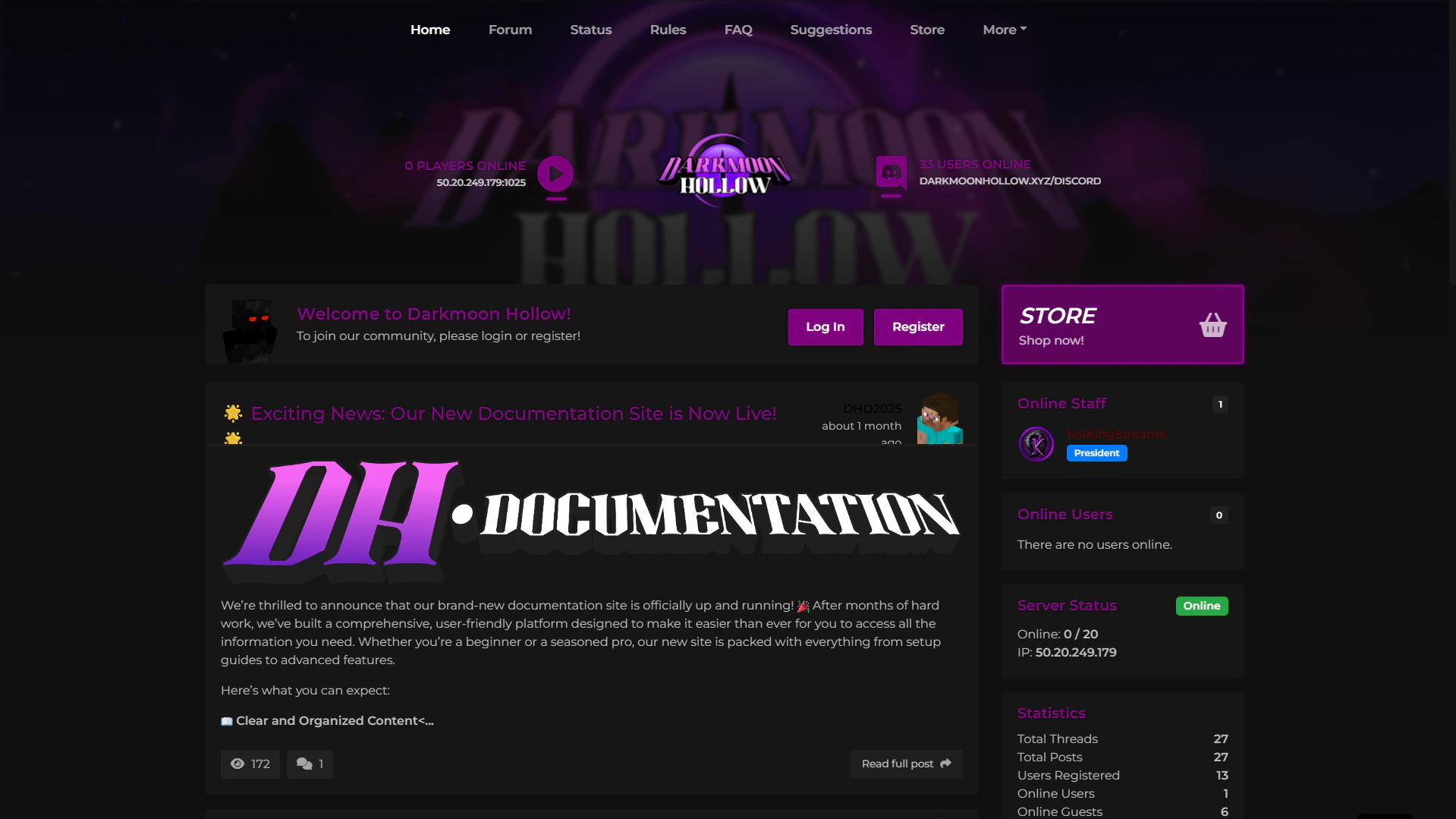
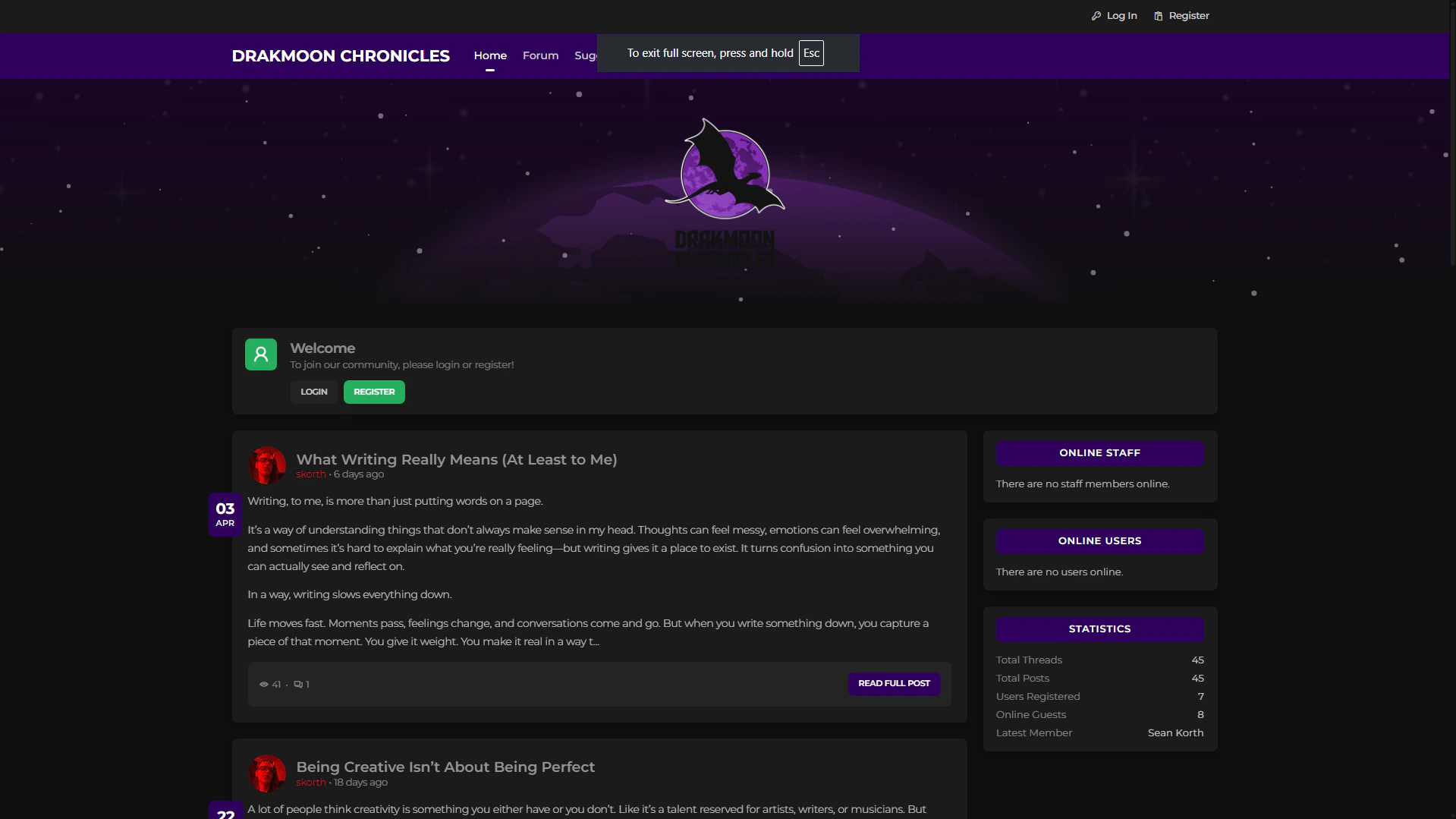
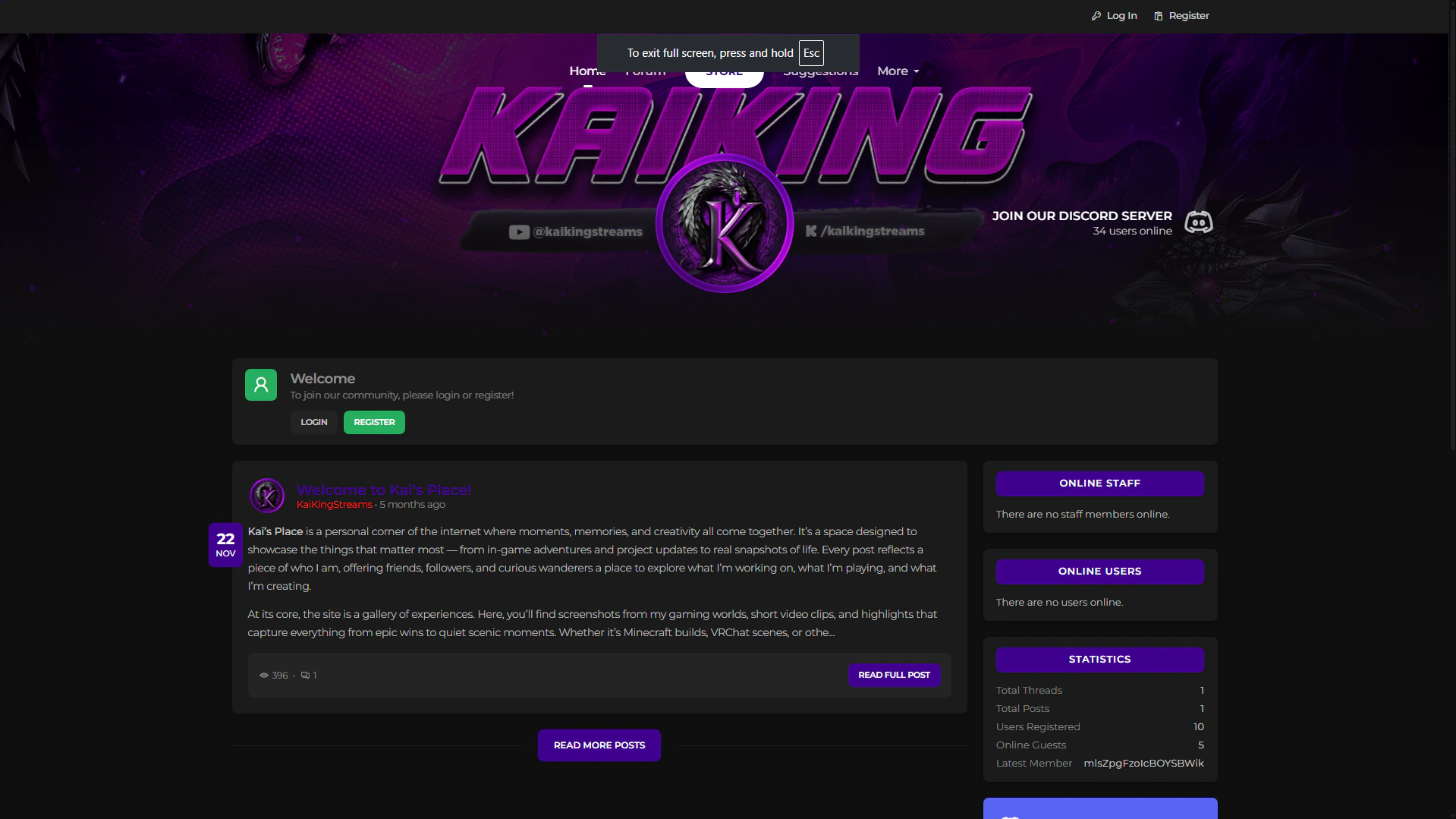
This is usually found in the middle of the home page.
Step 3: Fill Out the Registration Form
Enter the required information:- Nickname
- Username
- Email address (make sure it’s spelled correctly)
- Password (follow any listed requirements)
Step 4: Check for the Verification Email
After submitting the form, you should receive a verification email within a few minutes.This email is required to activate your account.
Part 2: Checking Your Spam or Junk Folder
Sometimes verification emails are filtered automatically. If you don’t see the email in your inbox, follow these steps.Step 1: Open Your Email Provider
Log in to the email account you used during registration.Step 2: Go to the Spam or Junk Folder
Look for folders labeled:- Spam
- Junk
- Promotions (for Gmail users)
Step 3: Find the Verification Email
Search for an email from our site.If found, open it.
Step 4: Mark the Email as “Not Spam”
This helps ensure future emails arrive in your inbox.- Click Not Spam or Move to Inbox
Step 5: Click the Verification Link
Inside the email, click the verification or activation link to finish setting up your account.Part 3: Still Not Receiving the Email?
If you still don’t see the email:- Double-check that you entered the correct email address
- Wait 5–10 minutes and refresh your inbox
- Try resending the verification email if the option is available
- Contact support if the issue continues